


| Product Parameters | |||
| Brand | Idoing | Multi media Parameters | |
| CPU | UI7865 | Music Format | MP3,WMA,AAC,RM,FLAC etc |
| Operating System | Android 14 system | Picture Format | JPG/BMP/JEPG/GIF/PNG |
| CPU | Dual-core Arm® Cortex®-A75 up to 2.2GHz Six-core Arm® Cortex®-A55 up to 1.8GHz | Video Format | MPEG1/2/4,H264,H263, VC1,RV,H265, DivX,Sorenson,SparK,Spark, VP8, AVS Streamhellip |
| DDR | SAMSUNG DDR3 4GB | GPS Parameters | |
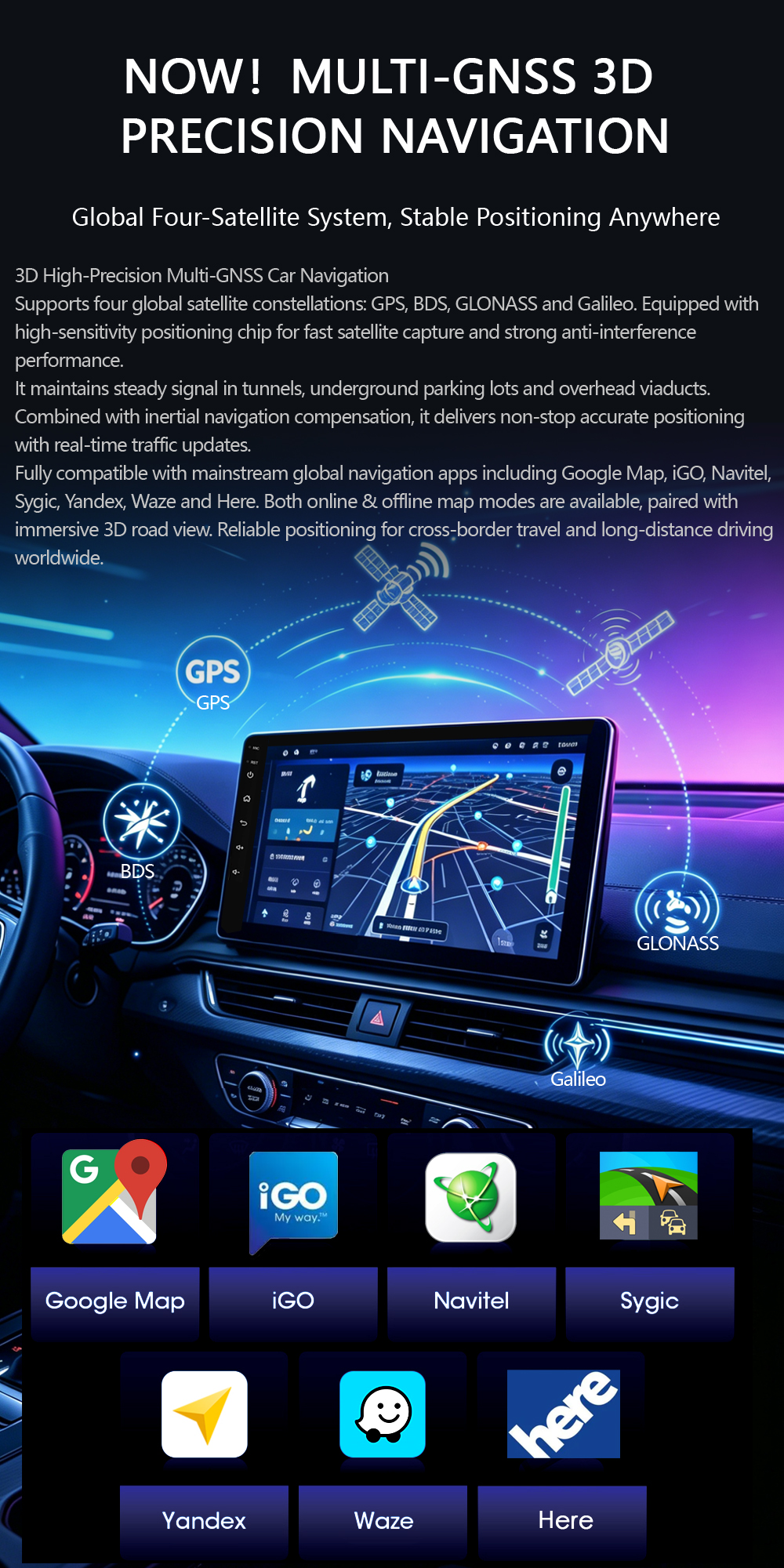
| EMMC | 64GB | Support Map | Map:google/here/sygic /tomtom/waze/igo... |
| Max External Memory | 128G | Main Frenqency | 1.575GHz |
| Radio | FM/AM | Radio Parameters | |
| Radio IC | NXP6686 | Frenqency Range | FM:76.0MHz-108.0MHz AM: 522KHz-1620KHz |
| Power amplifier IC | TDA7850 | Country | Australia,Europe,Russia, USA1,USA2, |
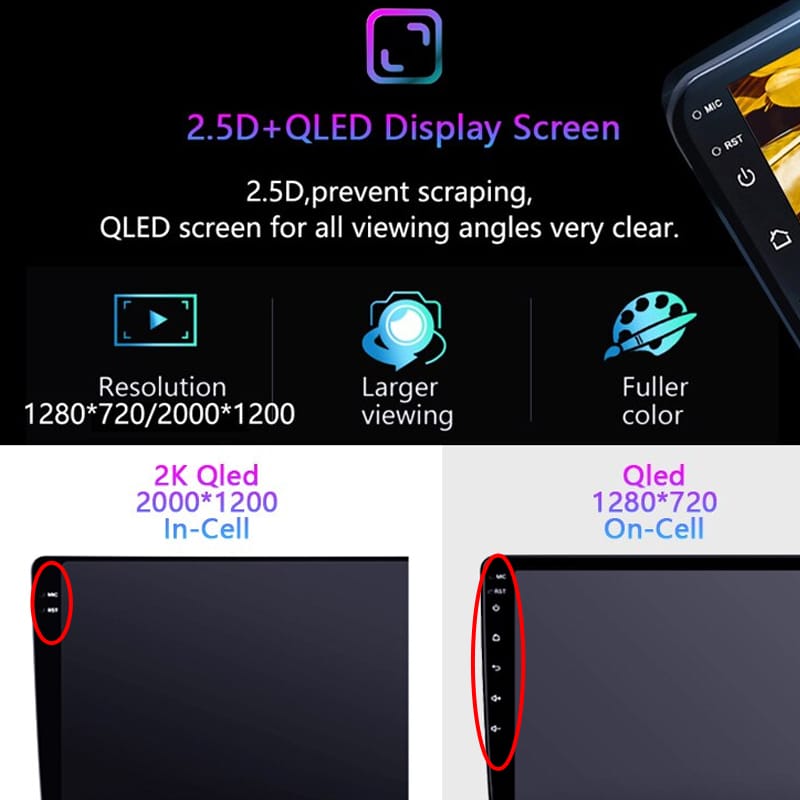
| Screen | 2.5D IPS Full Touch Screen | Amplifer Parameters | |
| Screen Resolution | 1280*720 | Test Voltage | 14.4V |
| Din | 1 din | Max output power | 4*50W |
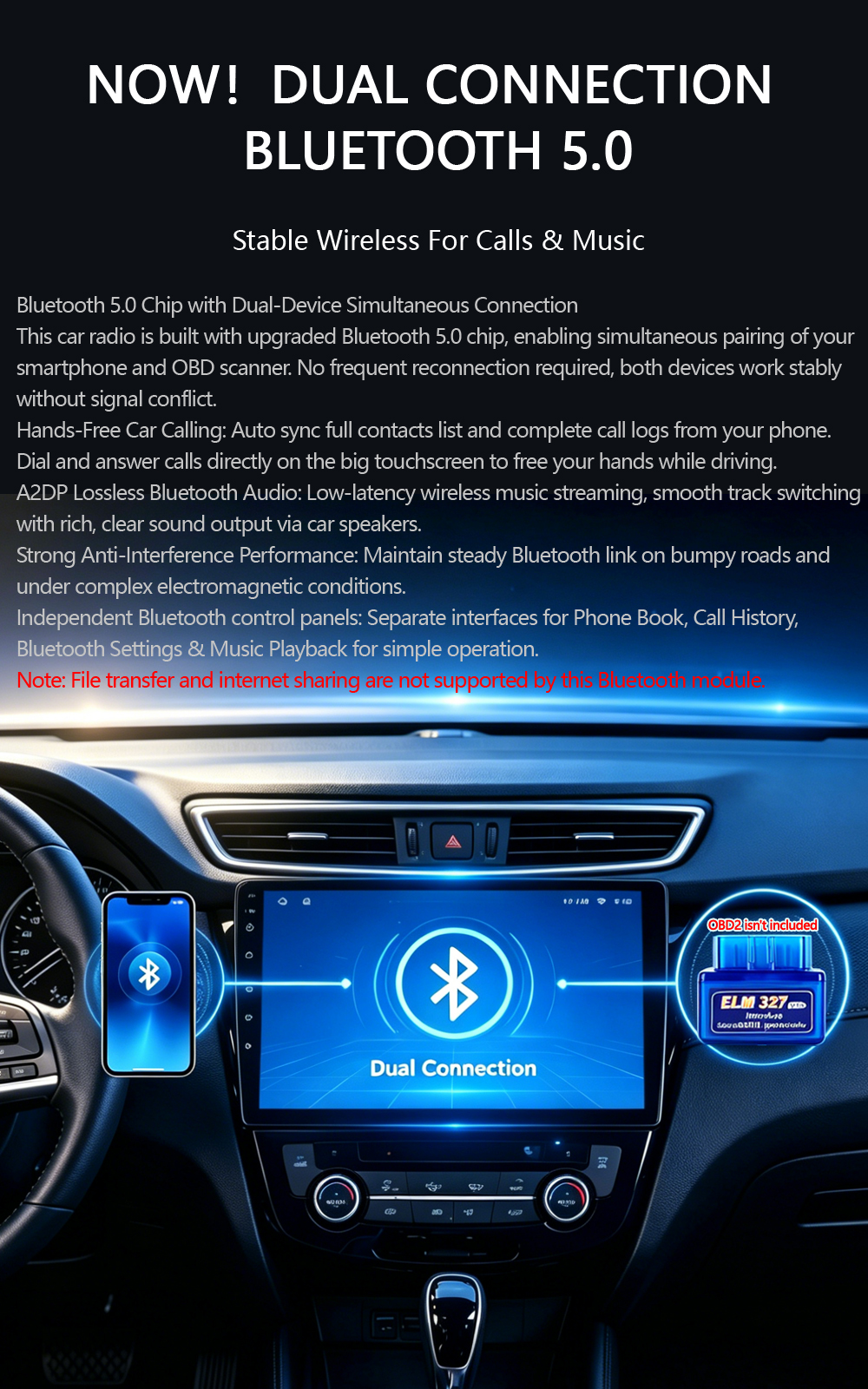
| Bluetooth IC | BC 5.0 | WIFI Parameters | |
| Power supply | 4*50W | RF Power | 15dBM |
| Video Decoder | 1080P HW | Power supply | Vcc_3.3V |
| DSP | 32-Bands Equalisation | Suppoted Protocol/standard | IEEE802.11B/g/n compatible WLAN |
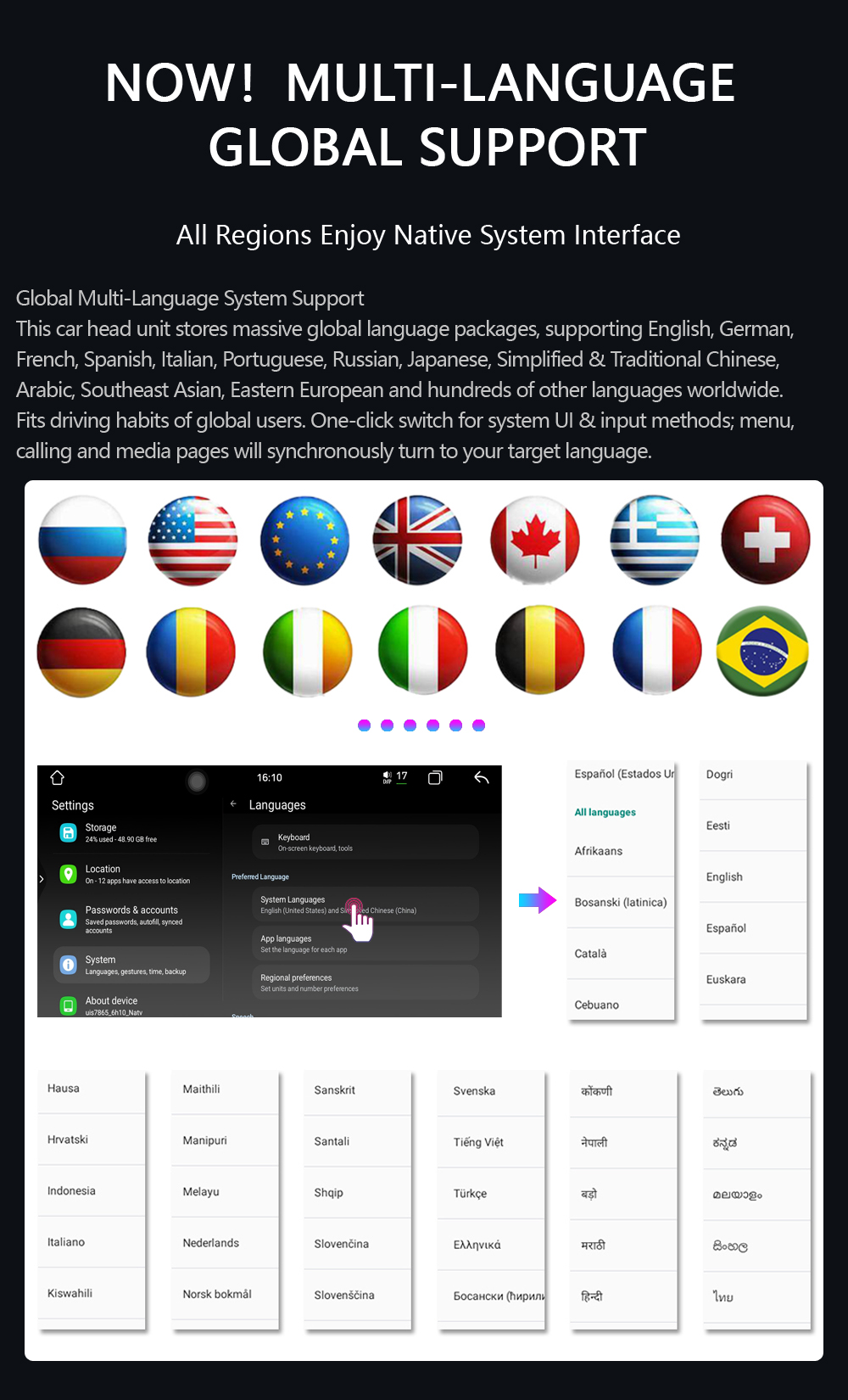
| OSD Language | English,Russian,Portuguese,Arabic,German, French...for up to 70 national languages | Interface type | USB2.0 |
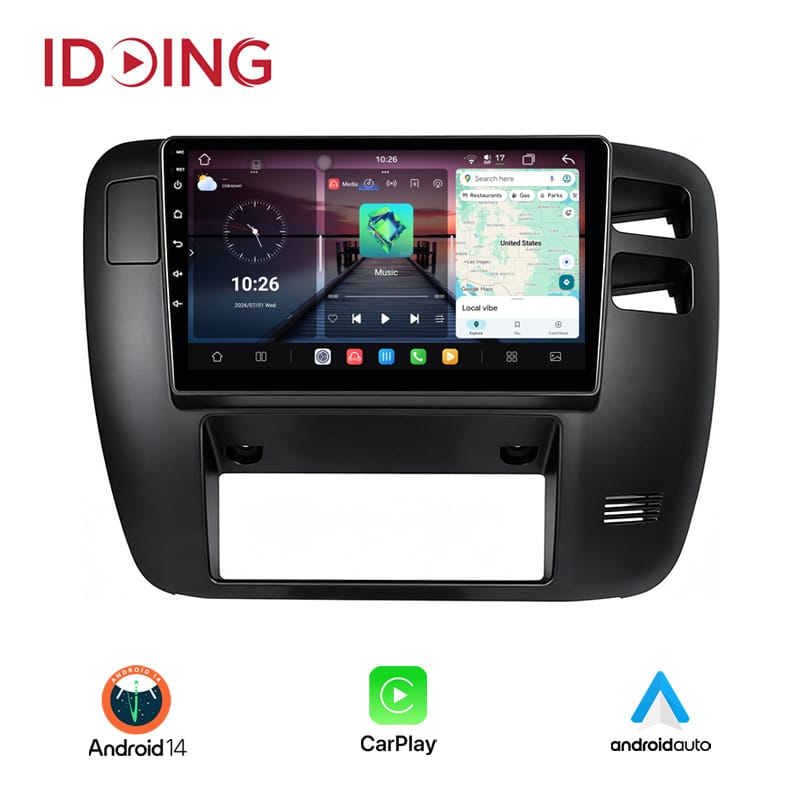
| Built in | Wifi,GPS+GLONASS,Bluetooth,MIC,Split screen, Mirror Link for andriod phone and iphone,WIFI | Frequency | 2.4-2.484GHz |
| Support | Support external Car-Play,Andriod Auto,DAB+, Bluetooth,OBD2,Reverse Camera,USB DVR | Modulation | OFDM/DBPSK/DQPSK/CCK |







(1)Please check the Voltage of car stereo: 12V
(2)When you test this car stereo,you can combine the red and yellow wires and connect them to the positive side of the power supply.Black line to negative power supply.
(3)Replace the same type of insurance to test the car radio.
2.Why the car stereowill show "No Signal" when we reversing?
Please check if the camera's line is properly connected to the car radio. Note:The video port of rear camera must insert the "CAMIN" port of car radio.Camera still need to connect with your car reverse-light cable to get 12v.
3.Why does the camera display "!" and "Can't watch video while driving" when I use USB to watch videos?
Please turn off the "Video Warning" function in the settings,then will be OK.
4.Why can't search FM?
(1)No radio antenna inserted;
(2)Please check if the radio antenna is plugged in. Please insert more antennas several times to make it well contacted;
(3)The signal of your location is not good. Please go to a better place to test again
(4)The radio antenna on the car is broken/no effect; please replace the radio antenna and test again.
5.Why can't connect the Bluetooth of car radio?
(1)Open the phone settings interface, open the Bluetooth in the Bluetooth function, search for Bluetooth devices, find the player's Bluetooth model to be paired; if you need a pairing code, enter 0000; if not, try 1234.
(2)Please try to use another mobile phone to test this function. Please check if the Bluetooth receiving antenna is properly connected All methods are correct and still cannot use Bluetooth, Please unplug the plug on the back of the player and plug it in after 3 minutes.
6.Bluetooth signal is weak, WiFi signal is weak:
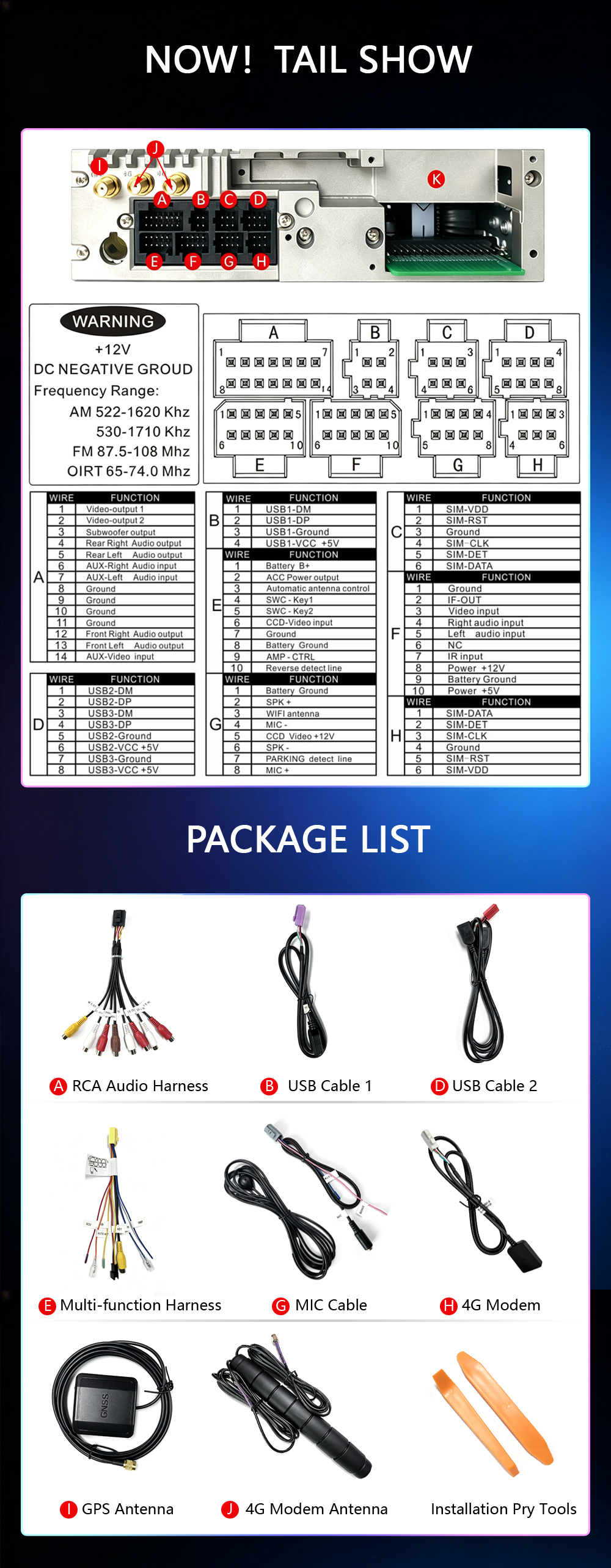
Please check and reconnect the Yellow rear Camera input connector, there are 2 short cables, they are the extension cords of the Bluetooth antenna and the WiFi antenna, or you can extend them to enhance the signal.
7.The navigation map does not work:
Check whether the GPS has a signal, click GPS signal detection, if there is a signal, then reinstall a new map or open the mobile WiFi hotspot. If there is no GPS signal, leave the garage and test the GPS interface voltage on the road. The voltage must be 3.3V, otherwise the GPS antenna should be replaced.
8.The screen display is abnormal:
Click the one-key recovery button, if it can't be solved, remove the screw on the back, check whether the screen cable is loose, and reconnect the screen cable.
9.Abnormal sound:
(1)Check whether the original car cable has been modified by another car owner. If so, please check the speaker cable and reconnect it.
(2)Check whether there is an original car or a modif
10.Car stereo factory password:
Processor 7862S/7865/7870:3368
Processor px6/px5:126
Processor Qualcomm:6666
11.Carplay
Wireless carplay or android auto:
Step1:bluetooth need to connect with your phone
Step2:your phone need to connect with idoing android wifi(named:AndroidAP_****)
Wired carplay or android auto: Make sure you are connecting the main usb cable(check with us which one is main usb cable)
12.Car stereocannot be turned on:
(1)The condition for the car stereoto turn on is that ACC (G3) and 12V (G2) are connected to the positive pole of the car's 12V power supply, and G1 is connected to the negative pole of the power supply. There may be a very small probability that the power cord does not match your car. You can directly connect these 3 power cords Connect the power cord of the car without the radio
(2)It may be that the connecting wire of the radio came off during transportation, just open the back cover to check and reconnect the connecting wire inside the radio
(3)If you can't turn on after checking the above steps, please send a video to us for confirmation. The video needs to show that the power cord is normally connected, and test the connection cord with an electric meter to be 12V.
 Lv.1
Lv.1
Lv.1
Lv.1
Lv.1
Lv.1
Lv.1
Lv.1
Lv.1
Lv.1
Lv.1
Lv.1 Develop your business with App anywhere anytime
Scan the QR code to download. (Only Android users are supported.)



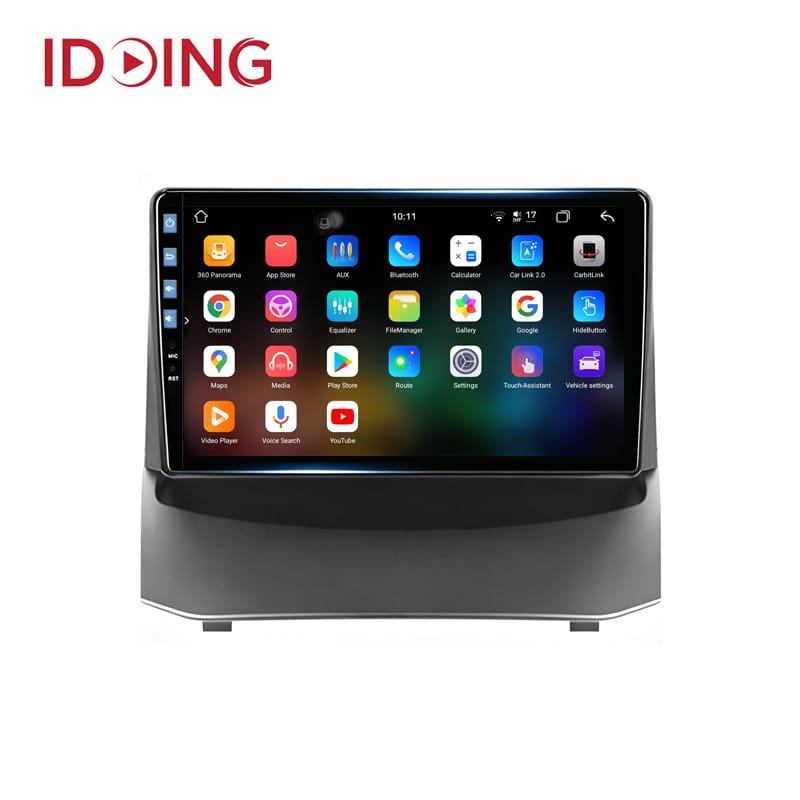
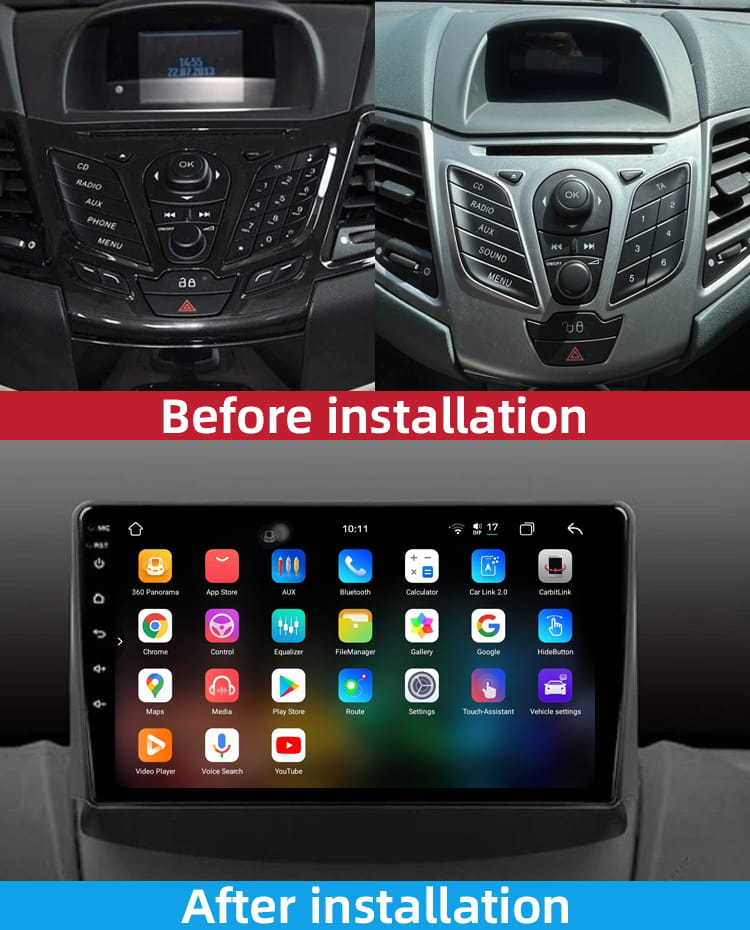
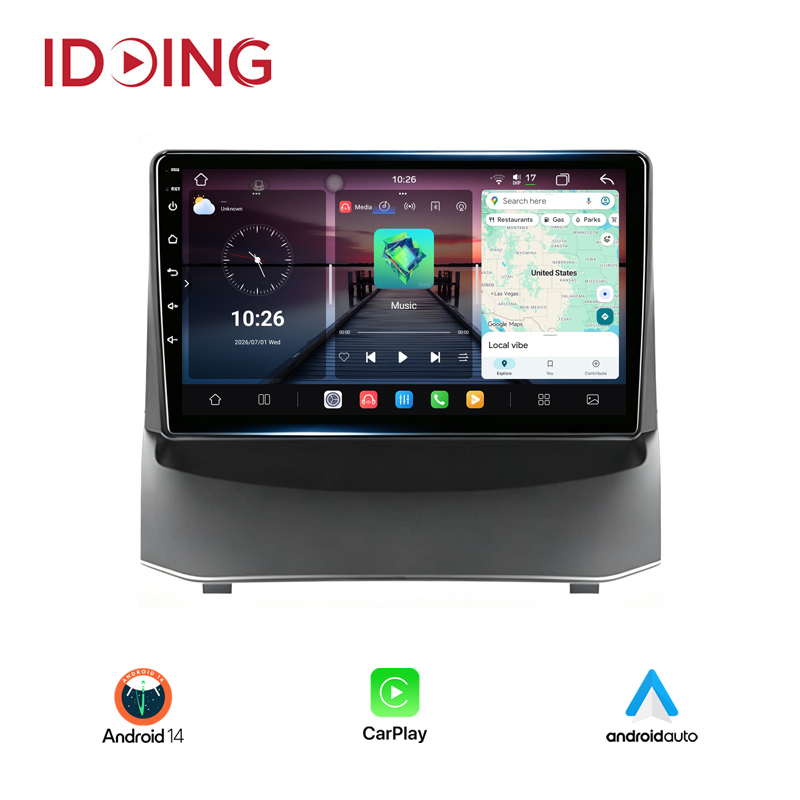
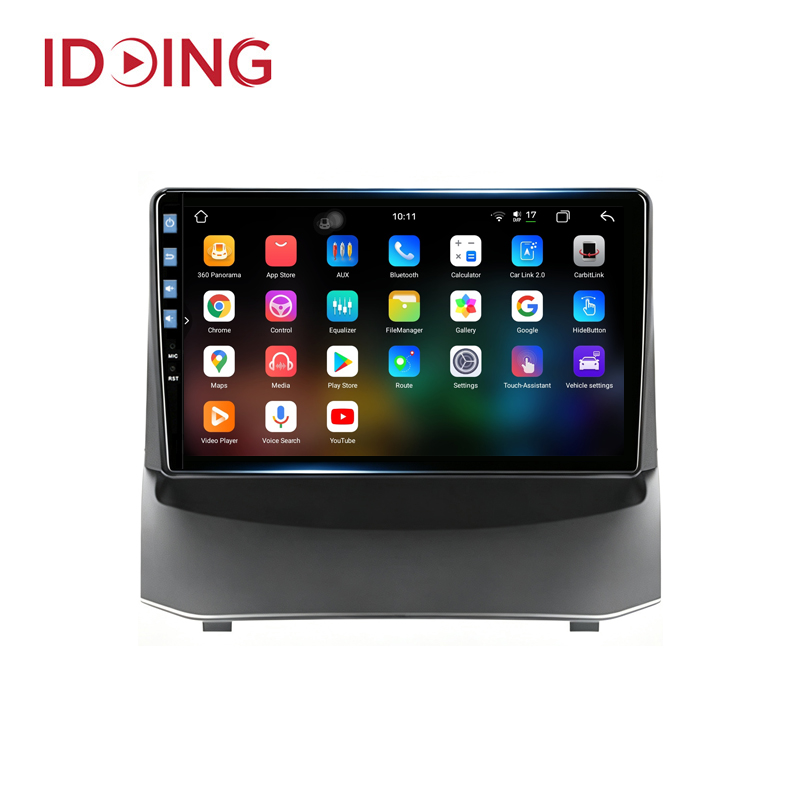
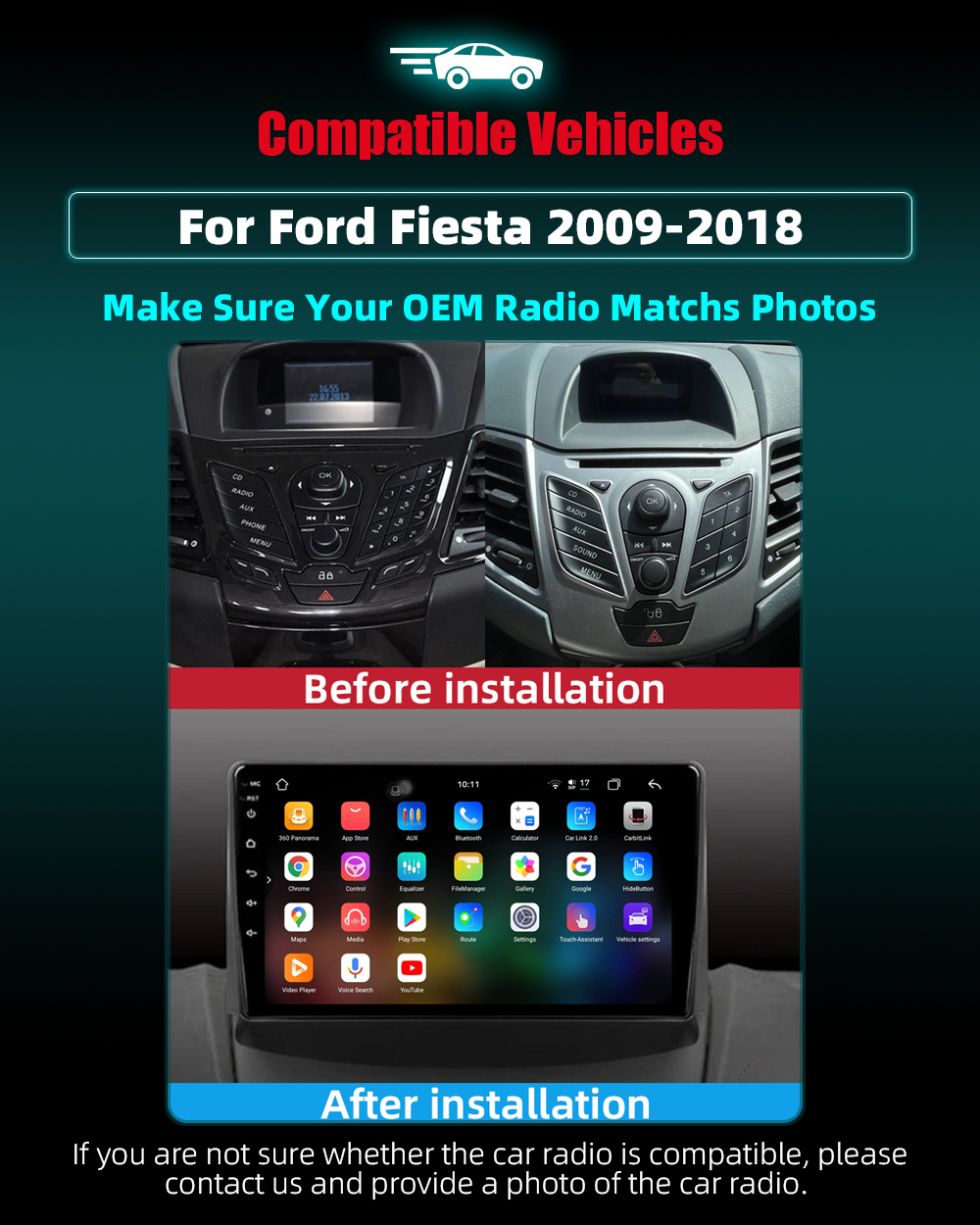
Idoing 9inch Android 14 Car Stereo Head Unit For Ford Fiesta Mk 6/7 2009-2018 Car Stereo Multimedia Video Player Auto Navigation Stereo GPS Wireless Carplay Android Auto
$409.99 $699.99

 FR(EUR)
 GB(GBP)
 CA(CAD)
 AU(AUD)






Reviews
0%
0%
0%
0%
0%
Share your thoughts with other customers
Write a Review